How to turn off or remove My AI on Snapchat
The short answer
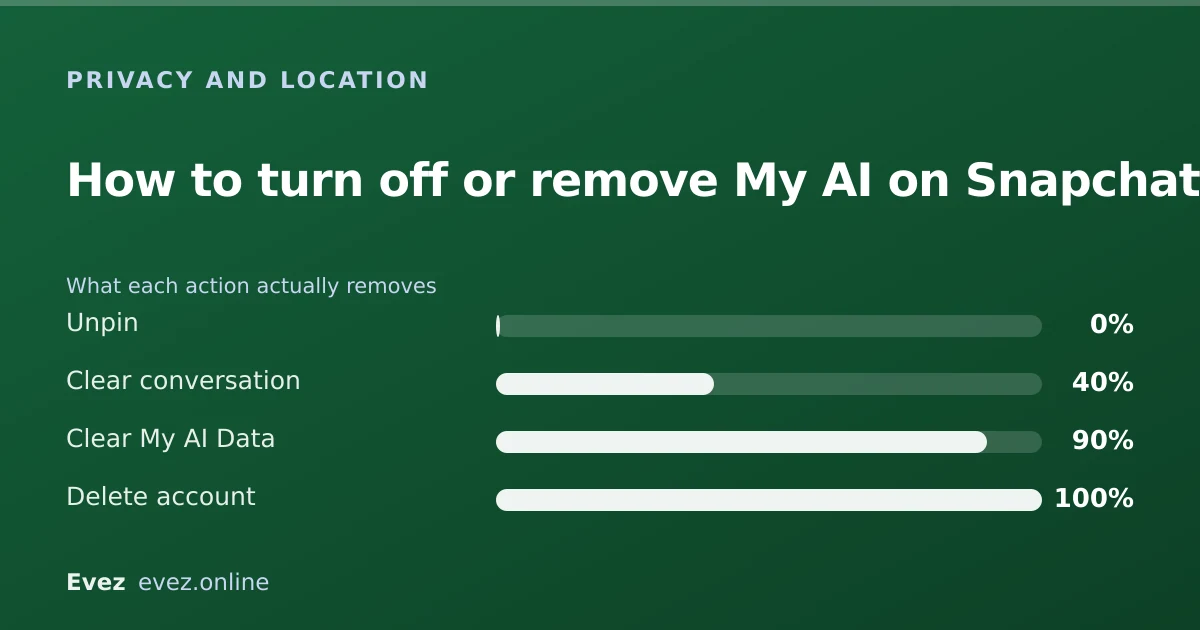
On a free account you can unpin My AI and clear its history, but you cannot remove it entirely; that has been a Snapchat+ feature. Clearing what it holds is a separate step in privacy settings.
Key takeaways
- Unpinning removes My AI from the top of your chat list. It does not delete the account.
- Fully removing My AI from the chat list has required a Snapchat+ subscription.
- Clearing the conversation and clearing the stored data are two different actions.
- My AI conversations are not treated as private the way a friend chat is — assume Snap can read them.
On this page
What you can and cannot do
My AI arrived pinned to the top of everyone's chat list, unrequested, and Snapchat's controls for it have been partial ever since. It helps to be clear up front about which of the three things you might want is actually available to you.
| What you want | Free account | Snapchat+ |
|---|---|---|
| Stop it sitting at the top of the list | Yes — unpin it | Yes |
| Remove it from the chat list entirely | No | Yes |
| Clear the conversation history | Yes | Yes |
| Delete the data My AI has stored | Yes — via Clear Data | Yes |
| Stop it appearing in search results | No | Partially |
Unpin it from the top of your chats
The one thing every account can do
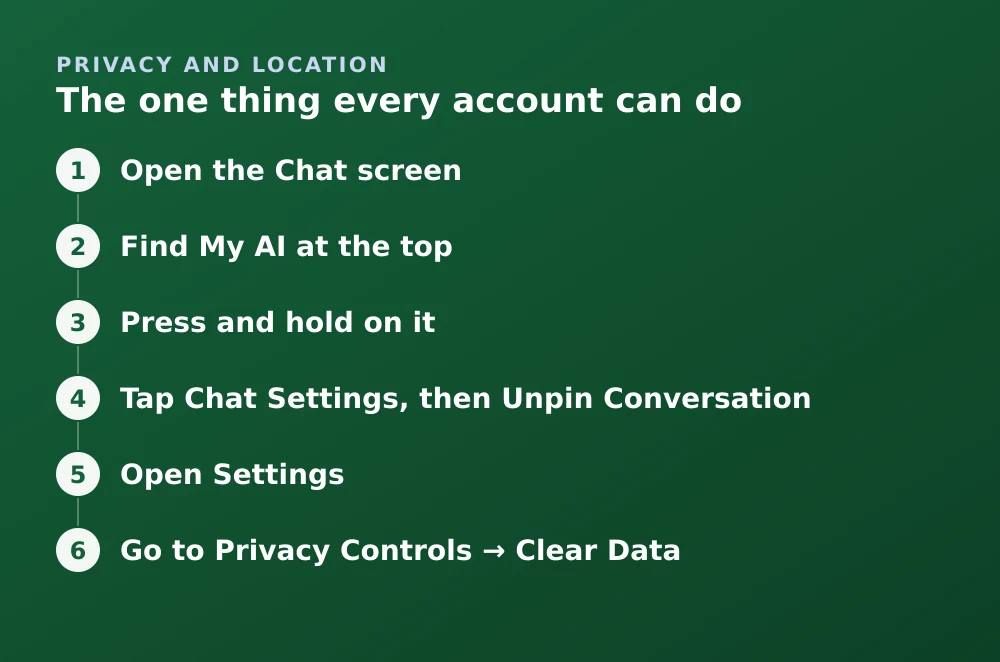
- Open the Chat screenSwipe right from the Camera, or tap the chat bubble icon.
- Find My AI at the topIt sits above your real conversations while it is pinned.
- Press and hold on itA context menu appears.
- Tap Chat Settings, then Unpin ConversationMy AI drops down into the normal chat list and sorts by recency like any other conversation. Since you will not be messaging it, it sinks to the bottom on its own.
Clear the conversation
Clearing the conversation empties what you see in the chat. It is cosmetic on its own — it is the Clear Data step below that addresses what Snapchat holds.
- Go to your profile, then the settings cog in the top-right.
- Scroll to Privacy Controls and tap Clear Data.
- Tap Clear Conversations, then select My AI from the list.
Delete the data My AI holds
This is the step most guides skip, and it is the one that matters if your concern is privacy rather than tidiness. Snapchat provides a specific control for the data My AI has accumulated from your conversations with it.
Clearing My AI data
- Open SettingsProfile → settings cog.
- Go to Privacy Controls → Clear DataThis is a different screen from the chat-level clear.
- Tap Clear My AI DataThis removes the conversation data Snap holds for the assistant. It is separate from clearing the visible conversation.
- ConfirmThere is no undo, which in this case is the point.
Treat My AI chats as non-private
A conversation with My AI is not a conversation with a friend. It is input to a service, processed on Snap's servers, and Snap's own safety guidance is explicit that My AI chats are reviewed and used to improve the product. The ephemerality people associate with Snapchat does not apply here.
If none of this is enough
If the presence of an AI chatbot in a messaging app is a dealbreaker for you, the controls above will not resolve it — the feature is not removable on a free account, and that is unlikely to change. The remaining options are a Snapchat+ subscription, or closing the account. Both are legitimate; neither is a workaround.
Before deleting anything, export your Memories — they do not survive the thirty-day window.
Frequently asked questions
Can I delete My AI from Snapchat for free?
Not entirely. A free account can unpin My AI and clear its conversation and data, which removes it from the top of your chat list, but removing the chat from the list altogether has required a Snapchat+ subscription.
Does unpinning My AI delete my conversations with it?
No. Unpinning only changes where the chat appears in your list. Use Clear Conversations for what you can see, and Clear My AI Data for what Snapchat stores.
Are My AI conversations private?
Treat them as not private. Snap's own guidance states that My AI conversations may be reviewed and are used to improve the service. They do not carry the same expectations as a snap sent to a friend.
Will My AI keep messaging me if I ignore it?
My AI does not initiate unprompted conversations in the way a person would, but it can surface in search and in suggested content. Unpinning stops it occupying the top slot in your chat list.
Sources
Every source below was checked and returned a valid response at the time of the last review. Each note says which claim in this guide it supports.
- How do I unpin or remove My AI? — Snapchat SupportSupports: The unpin steps and the distinction between unpinning on a free account and removing with Snapchat+.
- How do I delete my data with My AI? — Snapchat SupportSupports: The Clear My AI Data control and that it is separate from clearing the visible conversation.
- Staying Safe with My AI — Snapchat SupportSupports: That My AI conversations may be reviewed and should not be treated as private.
Related guides
Is Snapchat encrypted?
Snaps are end-to-end encrypted. Text chats have not carried the same guarantee. Here is the precise boundary, and why the difference matters.
Privacy and location · Updated
How to delete your Snapchat account
The accounts portal is the only route. What the thirty-day window does, what gets erased, what is retained, and the export checklist to run first.
Account management · Updated
Is Snapchat deleting Memories?
Snapchat introduced a storage limit on Memories with paid tiers above it. What that means for existing archives, and how to export everything first.
Memories and storage · Updated