Is Snapchat deleting Memories?
The short answer
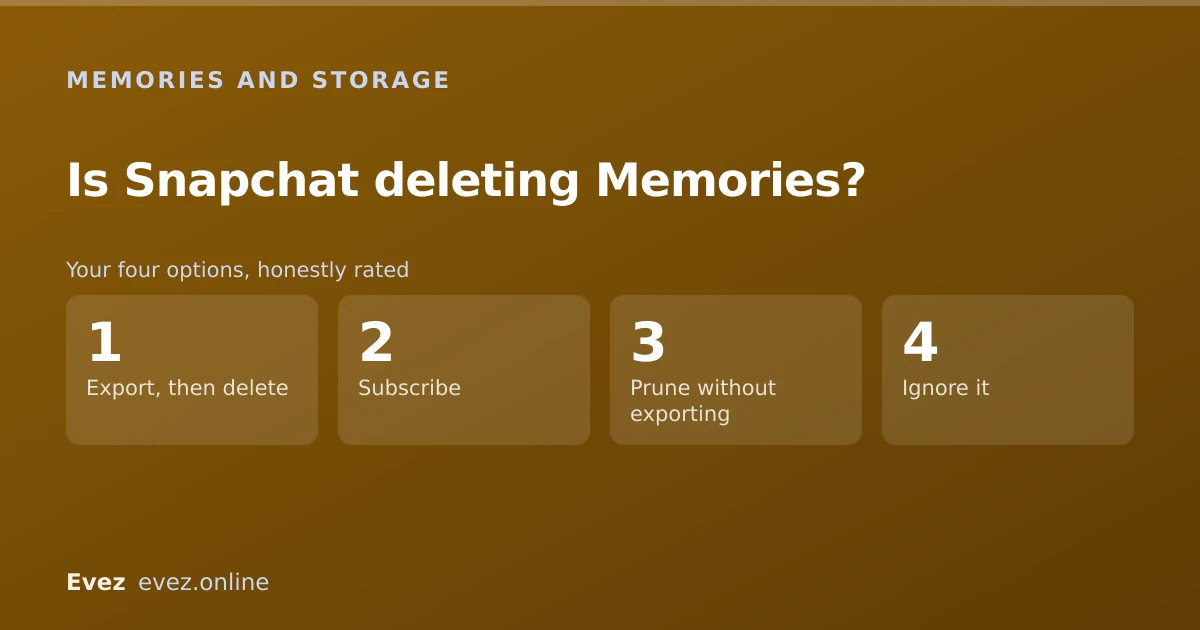
Not without warning, no. Memories moved from unlimited free storage to a free allowance with paid tiers above it. Go over it and you are asked to subscribe, delete, or export before anything goes.
Key takeaways
- Memories is no longer unlimited and free. There is an allowance, and storage above it is a paid tier.
- Snapchat notifies accounts over the limit rather than deleting silently, but the end state of ignoring it is removal.
- Exporting everything takes one request and is the only genuinely safe response.
- A local export is not the same as a backup in Memories: the two failure modes are different.
On this page
What actually changed
If you have been saving to Memories since 2016, this is the change that actually affects you. For most of its existence Memories worked like an unlimited free photo library bolted onto a messaging app. That was always an unusual thing to give away, and Snapchat has now brought it into line with how every other cloud photo service works: a free allowance, then paid tiers.
The practical shift is not that Snapchat is deleting things today. It is that the assumption underneath years of casual saving — that Memories is a permanent, cost-free archive — no longer holds. If you have been treating it as your only copy of a decade of photos, that arrangement has quietly become conditional.
Where you stand
Check your own storage first
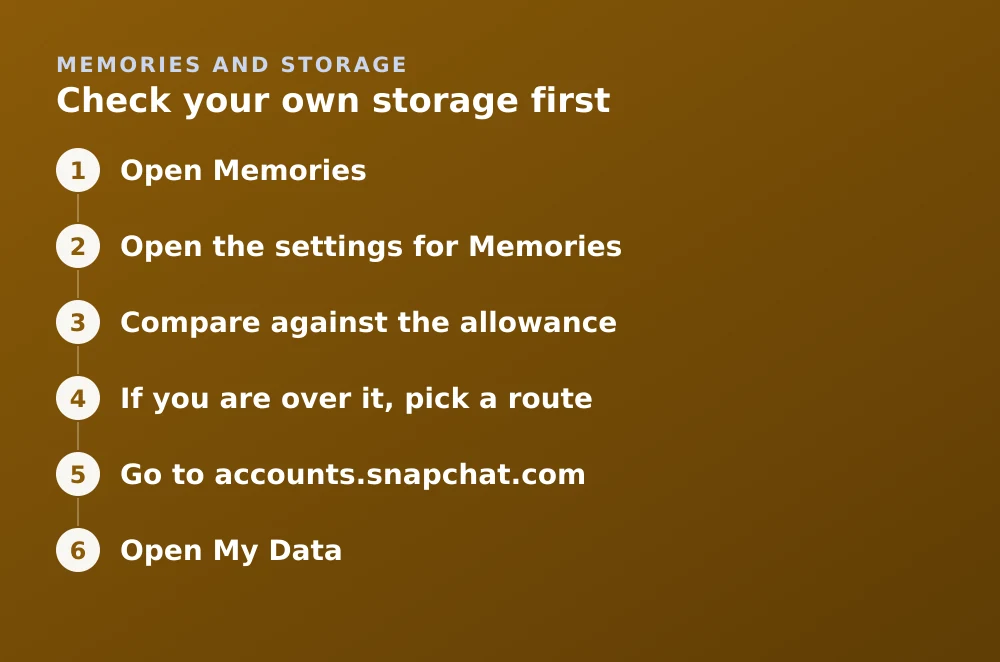
- Open MemoriesSwipe up from the Camera screen, or tap the cards icon below the shutter button.
- Open the settings for MemoriesFrom your profile settings, find the Memories section. Storage usage is shown there.
- Compare against the allowanceIf you are under it, nothing changes for you and no action is needed.
- If you are over it, pick a routeSubscribe, delete enough to get under, or export and then delete. Only the third leaves you with your photos and no ongoing cost.
Export everything: the part that actually matters
Whatever you decide about paying, export first. An export costs nothing, takes minutes of your attention, and converts a conditional cloud archive into files you control. There is no scenario where you regret having done it.
The bulk export route
- Go to accounts.snapchat.comIn a browser. The full export is a web function, not an in-app one.
- Open My DataThis is Snapchat's data-portability tool, offered under GDPR and similar laws.
- Tick the Memories optionThe default export includes account records but you must explicitly include Memories media, and it is easy to miss.
- Submit and waitYou get an email with a download link, usually within a day. The link expires, so download promptly.
- Verify the archiveOpen it and count. An archive you never checked is not a backup.
What is and is not covered
| Content | Counts toward the allowance? |
|---|---|
| Snaps saved to Memories | Yes |
| Camera roll photos imported into Memories | Yes |
| My Eyes Only | Yes, it is Memories with a passcode |
| Stories archived to Memories | Yes |
| Chat media saved in a conversation | No, different storage |
| Photos in your phone's camera roll | No, that is your device |
Why "is it backed up?" is the wrong question
Memories has two independent failure modes and people usually only think about one. Content saved only to your device is lost if you lose the phone. Content saved only to Snapchat's servers is lost if the account is closed, locked, or falls foul of a storage policy. Being backed up to Memories protects against the first and does nothing about the second.
A local export addresses the second. Doing both — synced in Memories and exported to your own storage — is the only arrangement that survives either failure. If you are also worried about accidental deletion, the recovery options are limited enough to make the case on their own.
What is still unclear
Two things are genuinely not settled, and it is worth saying so rather than filling the gap with confident-sounding guesses. First, how long an over-limit account has before content is actually removed has been described in general terms rather than as a fixed number of days. Second, whether existing archives are treated more leniently than new uploads has varied by region during rollout.
Neither uncertainty changes the recommendation, which is why it is safe to act now: export regardless, and you are insulated from whichever way those details land.
Frequently asked questions
Is Snapchat deleting my Memories?
Not without notice. Memories now has a free storage allowance with paid tiers above it. Accounts over the allowance are prompted to subscribe, delete or export, and content can eventually be removed if no action is taken.
How do I download all my Snapchat Memories at once?
Use the My Data export at accounts.snapchat.com and explicitly tick the option to include Memories media, which is not included by default. You receive a download link by email, usually within a day.
Does deleting the Snapchat app delete my Memories?
No. Memories saved to your account live on Snapchat's servers and survive removing the app. Deleting the account itself is what erases them, thirty days after you start the process.
Do I have to pay to keep my Memories?
Only if you want to stay above the free allowance without pruning. Exporting your archive and then deleting from Memories keeps every photo at no cost — it just means Snapchat is no longer where they live.
Sources
Every source below was checked and returned a valid response at the time of the last review. Each note says which claim in this guide it supports.
- How do I manage my Memories storage? — Snapchat SupportSupports: That Memories now has a managed storage allowance and where to check your own usage.
- How do I download my data from Snapchat? — Snapchat SupportSupports: The My Data export route and that Memories media must be explicitly included.
- How do I make sure my Memories are backed up? — Snapchat SupportSupports: The distinction between content stored on the device and content synced to the account.
Related guides

How to recover deleted Snapchat Memories
The three routes that sometimes work — recently deleted, My Data export, device backups, and an honest account of when a Memory is simply gone.
Memories and storage · Updated

How to save snaps to your camera roll
Change the default save destination, bulk-export your whole Memories archive, and stop Snapchat filling your phone when you don't want it to.
Memories and storage · Updated

How to delete your Snapchat account
The accounts portal is the only route. What the thirty-day window does, what gets erased, what is retained, and the export checklist to run first.
Account management · Updated