How to unsave messages on Snapchat
The short answer
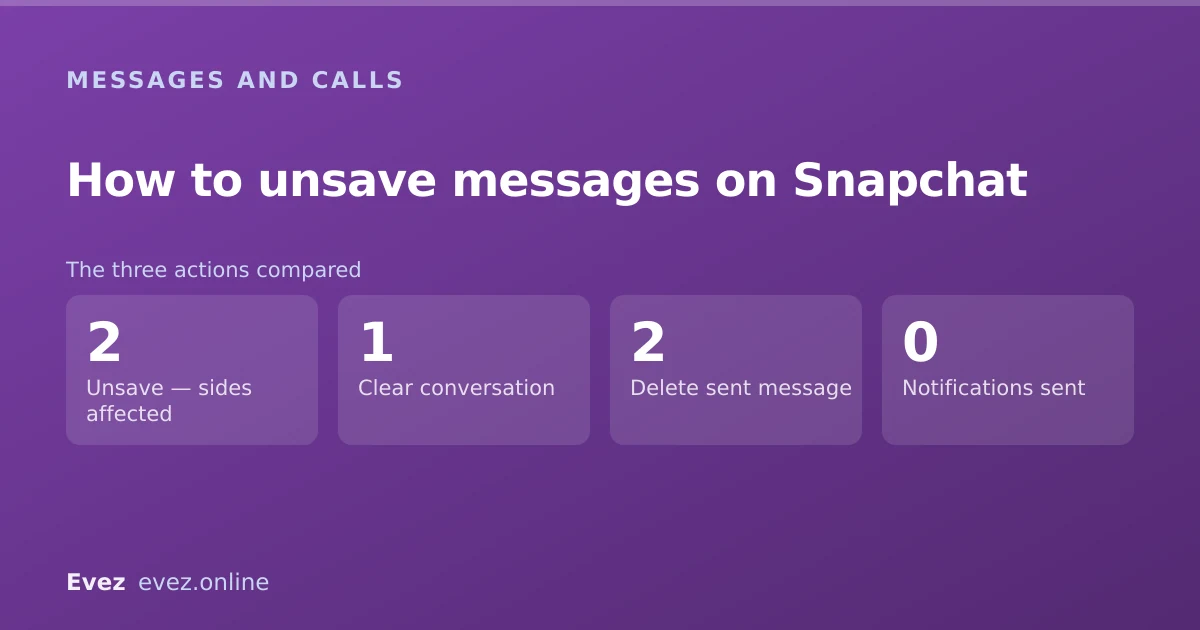
Press and hold the saved message and tap Unsave; it disappears for both of you at once. To clear a whole thread, use Settings, Privacy Controls, then Clear Conversations, which only clears your side.
Key takeaways
- Unsaving a message removes it for both people, not just you.
- Clearing a conversation removes it from your side only — the other person keeps theirs.
- Either party can unsave a message. You do not need to have been the one who saved it.
- There is no notification for unsaving, but the message visibly disappears.
On this page
Unsaving one message
Two taps
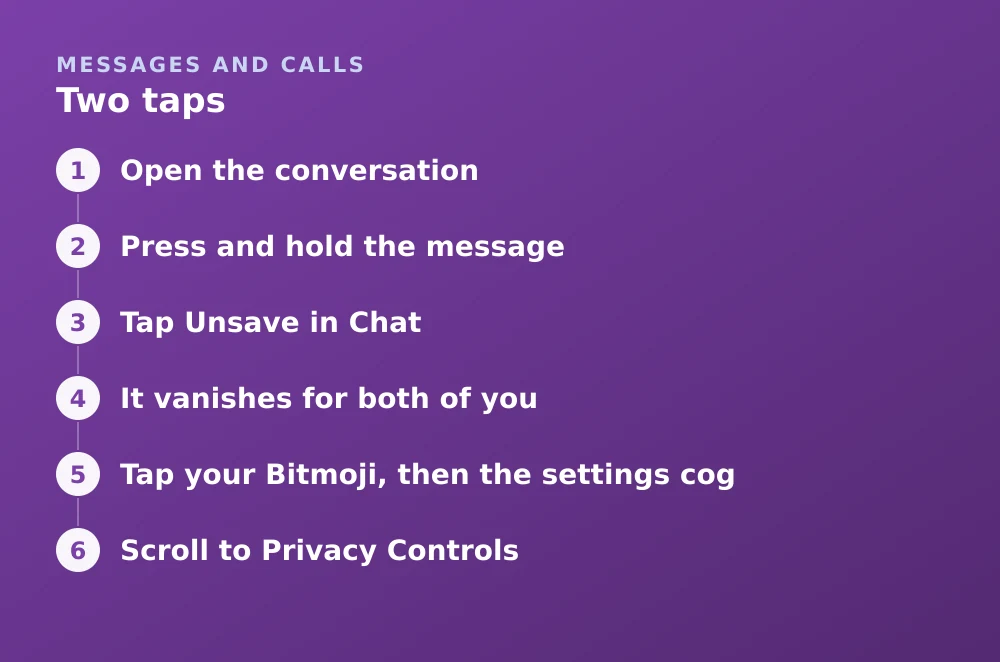
- Open the conversationSaved messages have a grey background and sit inline in the thread.
- Press and hold the messageA menu appears.
- Tap Unsave in ChatThe grey background disappears and the message reverts to being ephemeral.
- It vanishes for both of youNot immediately hidden from them and kept for you — genuinely removed from the conversation on both sides.
What the other person sees
Saved messages are the quiet exception to Snapchat's whole premise, and unsaving one is less discreet than people expect. There is no notification saying somebody unsaved a message. But it does disappear from their view of the conversation, which in a thread they are actively reading is fairly conspicuous.
| Action | Notification sent | They notice |
|---|---|---|
| You save a message | No, but it is visibly shaded | Yes — the grey background |
| You unsave a message | No | Yes — it disappears |
| You clear the conversation | No | No — their copy is untouched |
| You delete a message you sent | No | Yes — a placeholder is left |
Clearing a whole conversation
This is a different action with different scope, and the difference matters: it only affects your side.
Clearing a thread
- Tap your Bitmoji, then the settings cogThe main settings list.
- Scroll to Privacy ControlsThen tap Clear Data.
- Tap Clear ConversationsYou get a list of every conversation.
- Tap the X beside the one you wantConfirm. The thread disappears from your chat feed.
- Understand the scopeTheir copy is unaffected. You have cleared your view, not the conversation.
Deleting a message you sent
A third, separate action. Press and hold a message you sent and choose Delete. Snapchat attempts to remove it from the recipient's device, and leaves a visible marker showing that something was deleted.
- It leaves a trace. The recipient sees an indication that a message was deleted, which is often more attention-grabbing than the message.
- It is not guaranteed. If they have already read it or are offline, removal may not succeed.
- It does not un-send a screenshot. Anything already captured is captured.
- It works only on your own messages, not theirs.
Stopping messages saving in the first place
If you find yourself unsaving regularly, the retention setting is the better fix. Chat settings let you choose what happens to messages after viewing, per conversation.
- Open the conversation and press and hold the person's name at the top.
- Tap Chat Settings.
- Choose Delete After Viewing for the classic ephemeral behaviour, or 24 Hours After Viewing for a short grace period.
- This is per conversation, so it has to be set for each one you care about.
What unsaving does not do
Unsaving removes a message from the conversation. It does not reach backwards through anything that already happened to it.
- Screenshots survive. If it was captured, unsaving changes nothing.
- It is not recoverable. Once unsaved, the message is gone for both of you — see why deleted messages cannot be recovered.
- It does not affect Memories. Anything saved to Memories is separate storage; see how Memories saving works.
- It does not change encryption. What was protected in transit was protected; unsaving is about storage, not security — see what Snapchat encrypts.
Frequently asked questions
How do I unsave a message on Snapchat?
Press and hold the saved message in the conversation and tap Unsave in Chat. The grey background disappears and the message is removed from the thread for both people.
Does the other person know when I unsave a message?
No notification is sent, but the message visibly disappears from their view of the conversation. In an active thread that is usually noticed.
Can I unsave a message the other person saved?
Yes. Either party can unsave any saved message in the conversation, and neither needs the other's permission. There is no way to protect a saved message from being unsaved.
Does clearing a conversation delete it for both people?
No. Clearing a conversation removes it from your chat feed only. The other person's copy, including anything they saved, is completely unaffected.
Sources
Every source below was checked and returned a valid response at the time of the last review. Each note says which claim in this guide it supports.
- When I save a Snap in Chat, where is it stored? — Snapchat SupportSupports: That saved chat content is stored in the conversation and visible to both participants.
- How can I delete a Snap from a Story or Chat? — Snapchat SupportSupports: The delete-a-sent-message behaviour and that a marker is left in the conversation.
- How long will Snap media be stored on Snap's servers after I delete it from Chat? — Snapchat SupportSupports: What happens to content after it is unsaved or deleted from a conversation.
Related guides

How to recover deleted Snapchat messages
What Snapchat actually retains, how to request your own data archive, why recovery apps cannot work, and the one case where messages survive.
Messages and calls · Updated

Is Snapchat encrypted?
Snaps are end-to-end encrypted. Text chats have not carried the same guarantee. Here is the precise boundary, and why the difference matters.
Privacy and location · Updated

How to save snaps to your camera roll
Change the default save destination, bulk-export your whole Memories archive, and stop Snapchat filling your phone when you don't want it to.
Memories and storage · Updated