How to contact Snapchat support (and actually get a reply)
The short answer
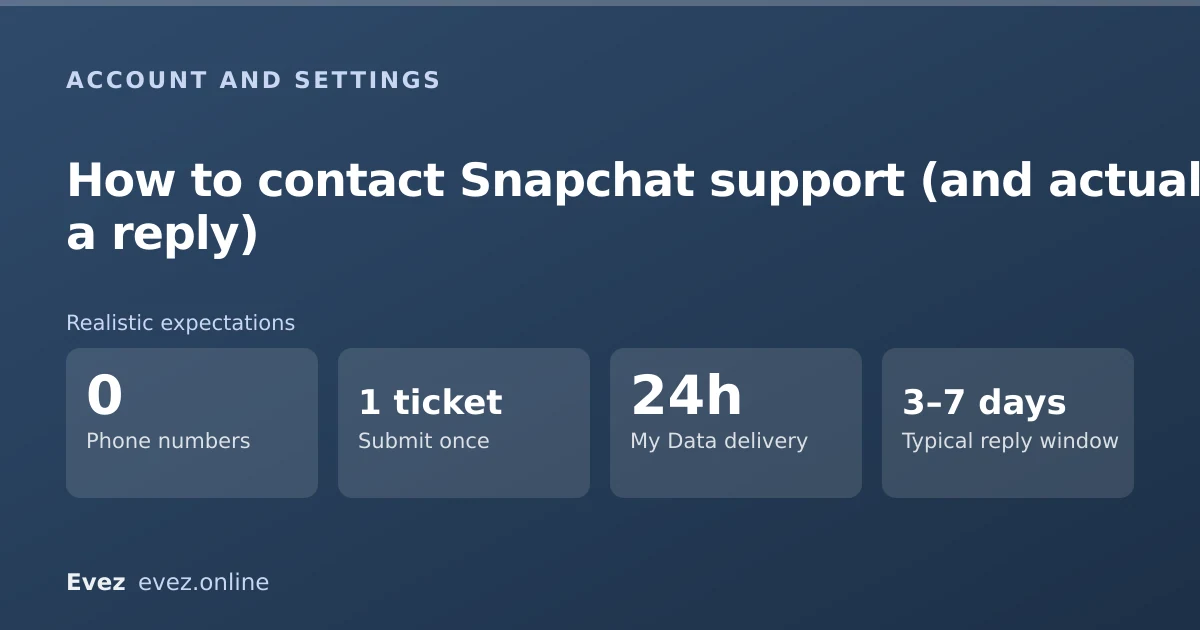
There is no phone number and no support email. Everything goes through help.snapchat.com, and the form you pick decides whether a human sees it. Specific forms get handled; the generic one usually does not.
Key takeaways
- There is no Snapchat support phone number. Any number claiming to be one is a scam.
- Choosing the correct, specific form matters more than what you write in it.
- Appeals for locked accounts have their own route, separate from general support.
- Expect days, not hours, and expect templated first responses.
On this page
What does not exist
Most people arrive here having already tried. So before the useful part, here are the things that quietly swallow an afternoon: Snapchat operates no telephone support for ordinary users, publishes no support email address, offers no live chat for consumer accounts, and does not handle individual account problems through its social media accounts.
The routes that work, ranked
| Route | Best for | Typical outcome |
|---|---|---|
| Account locked form | Locked or temporarily disabled accounts | Often resolved automatically or within days |
| Appeal form | Enforcement decisions you dispute | Reviewed; outcome usually final |
| Hacked account form | Compromise and unauthorised access | Prioritised — this is the fastest human route |
| My Data request | Getting your own records | Reliable; typically delivered within a day |
| Report a safety concern | Harassment, impersonation, illegal content | Actioned; you may not hear the outcome |
| Generic contact form | Everything else | Frequently no human reply |
| Support bot / AI search | Common how-to questions | Instant, but only for documented issues |
Submitting a ticket that gets read
The process
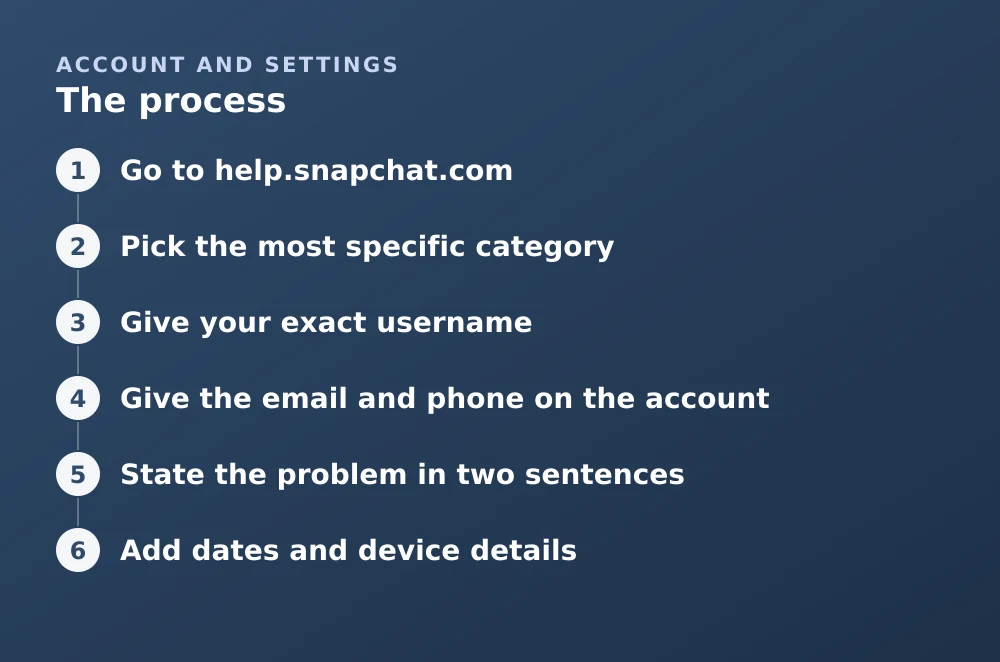
- Go to help.snapchat.comUse a browser, not the in-app help, which routes you through more layers.
- Pick the most specific categoryIf your account is locked, use the locked-account form, not "Contact Us." This choice determines the queue.
- Give your exact usernameNot your display name. Spelled correctly. A wrong username is the most common reason a ticket goes nowhere.
- Give the email and phone on the accountEven if you no longer have access to them. They are how Snap matches you to the account.
- State the problem in two sentencesWhat happened, and what you want. Long emotional accounts do not help; a clear first line does.
- Add dates and device detailsWhen it started, iOS or Android, and app version if you can see it.
- Submit once and waitDuplicate tickets push you to the back of the queue rather than to the front.
Locked accounts
A lock is not the same as a ban, and the difference decides your route. Temporary locks are frequently automated — triggered by a suspected compromise, a login from an unusual place, or the use of a third-party Snapchat client, and often clear themselves within 24 hours without any ticket.
- Wait 24 hours first. Many temporary locks release on their own. Repeated login attempts extend them.
- Uninstall any third-party Snapchat app. These are the most common trigger and the lock will recur until it is gone. Covered in the unexpected-logout section.
- Use the unlock form, not the general contact form.
- If it is a guidelines enforcement, use the appeal form. Different queue, different process, and a general ticket will not reach it.
When support is the wrong tool
Several very common requests will not succeed no matter how well you write them, and knowing that saves days of waiting:
- Recovering deleted messages. Snapchat does not hold them — see what is actually retained.
- Restoring an account deleted more than thirty days ago. Past the window there is no restore, as covered in the deletion guide.
- Getting someone else's account information. Support will not disclose it to you, correctly.
- Reversing a Snapscore or streak. Streak restoration exists only as a Snapchat+ feature, not as a support request.
For anything you can answer yourself, the support site's own search and bot are genuinely faster than a ticket, and they cover the documented behaviour of most features.
Frequently asked questions
Does Snapchat have a phone number for support?
No. Snapchat operates no consumer telephone support. Every phone number advertised as a Snapchat helpline is fraudulent and exists to collect credentials or payment.
How long does Snapchat support take to reply?
For forms that reach a human, typically several days. My Data requests are usually fulfilled within about a day. The generic contact form often receives no individual reply at all.
How do I get my locked Snapchat account back?
Wait 24 hours first, as many temporary locks clear automatically. Remove any third-party Snapchat app, then use the specific unlock form. If the lock is a guidelines enforcement, use the appeal form instead.
Can Snapchat support recover my deleted account or messages?
No. An account deleted more than thirty days ago cannot be restored, and unsaved messages are not held on Snapchat's servers for support to retrieve.
Sources
Every source below was checked and returned a valid response at the time of the last review. Each note says which claim in this guide it supports.
- How do I contact Snapchat Support? — Snapchat SupportSupports: The official contact routes and the absence of phone or email support.
- My Snapchat account is locked — Snapchat SupportSupports: That temporary locks often clear within 24 hours and that third-party apps are a common trigger.
- How to Submit an Appeal — Snapchat SupportSupports: That enforcement appeals use a separate form from general support requests.
Related guides

How to log out of Snapchat
Signing out on iPhone, Android and the web, removing a device you no longer have, and why Snapchat logs you out without warning.
Account management · Updated

How to delete your Snapchat account
The accounts portal is the only route. What the thirty-day window does, what gets erased, what is retained, and the export checklist to run first.
Account management · Updated

How to recover deleted Snapchat messages
What Snapchat actually retains, how to request your own data archive, why recovery apps cannot work, and the one case where messages survive.
Messages and calls · Updated