How to tag someone on Snapchat
The short answer
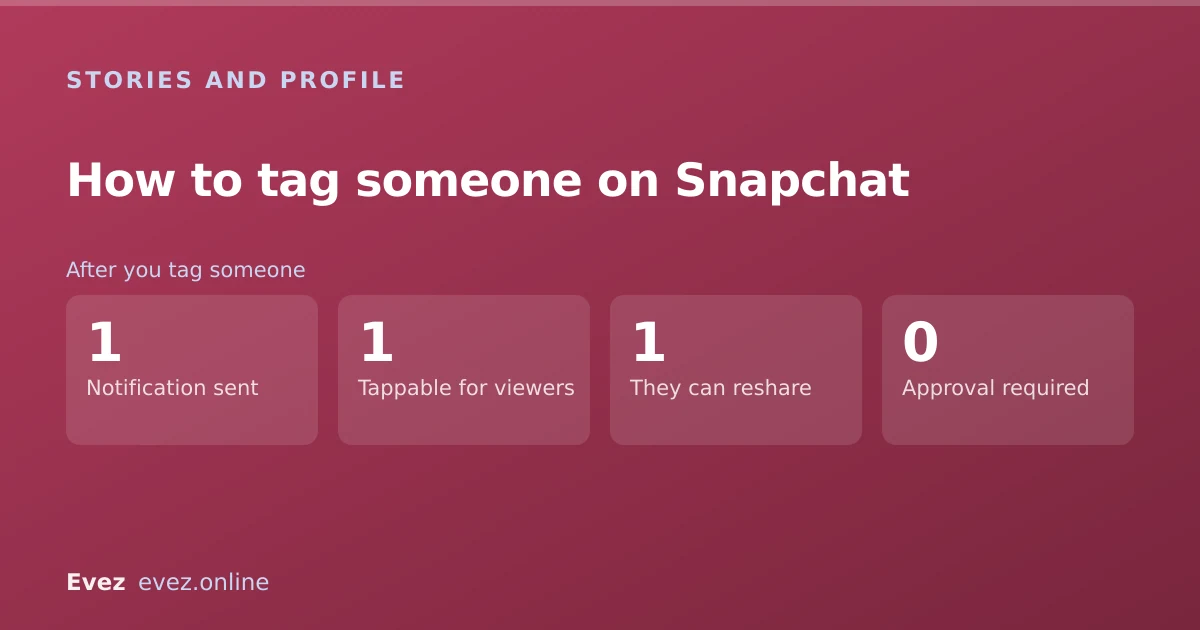
Use the @ symbol inside the text tool. Add text to your snap, type @ and their username, then pick them from the list. The tag becomes tappable and they are notified that you mentioned them.
Key takeaways
- Use the text tool and type @ — there is no separate tag button.
- Autocomplete matches usernames, not display names, which is why some searches fail.
- The person is notified and can tap through to your profile.
- You can mention someone who is not your friend, but they may not see it.
On this page
Tagging in a story
The standard route
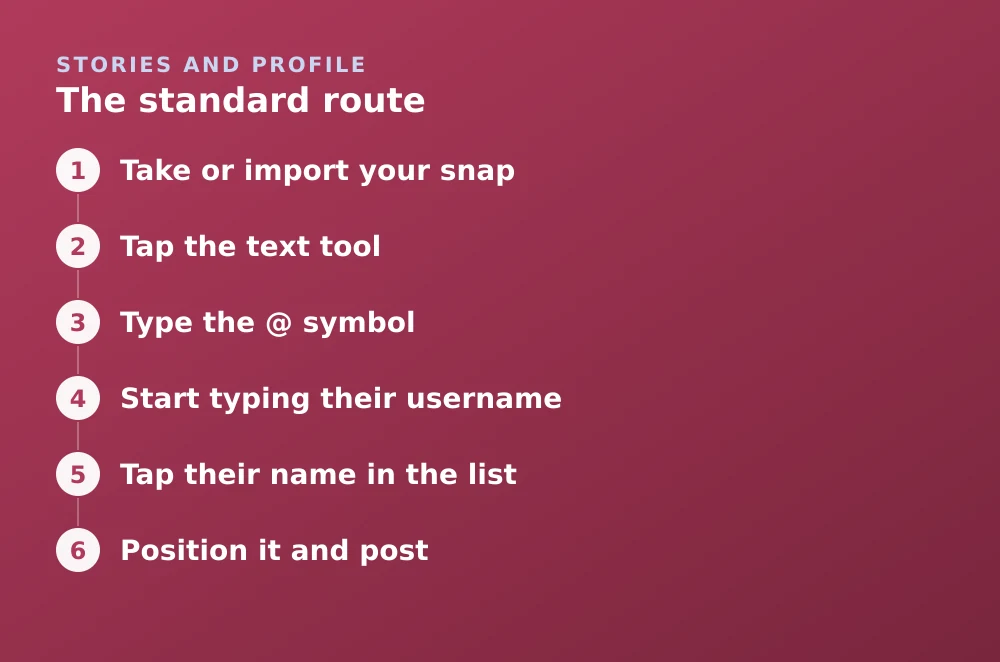
- Take or import your snapAnything you are about to post works — photo, video, or something from Memories.
- Tap the text toolThe T icon on the right-hand toolbar.
- Type the @ symbolA list of your friends appears as soon as you do.
- Start typing their usernameNot their display name — the autocomplete matches on username.
- Tap their name in the listThis is the step people skip. Typing the username manually without selecting it produces plain text, not a tag.
- Position it and postThe mention appears as a tappable chip. Viewers can tap it to open that person's profile.
Username versus display name
There is a reason searching for a friend you definitely have returns nothing: Snapchat holds two names for every account, and the autocomplete only matches one of them.
| Name type | What it is | Matched by @? |
|---|---|---|
| Username | The permanent handle, chosen at signup | Yes |
| Display name | The editable name you see in chat | No |
| Contact name | What you saved them as on your phone | No |
To find someone's username, open their profile — it appears under their display name. If you only know them by display name, that lookup is the necessary first step.
Tagging in a chat
The same @ mechanism works in chat messages, and it is genuinely useful in groups: the mention pings that person specifically even if they have the conversation muted.
- Open the chat and tap the message field.
- Type @ and select the person from the list.
- Send. Their name appears highlighted and they get a direct notification.
What happens on their end
A tagged person can add your story to their own with an attribution back to you. That is the mechanism creators use for collaborations, and it is why a mention can spread further than your own audience — worth knowing before you tag someone in something private. If your story is on a restricted list, see how private stories limit the audience.
Tagging someone who is not your friend
You can. The autocomplete will find public usernames beyond your friend list, and the tag works normally. Whether it reaches them is a different question.
- They may not be notified. Their notification settings govern whether mentions from non-friends come through at all.
- They may never see the story if your audience does not include them.
- The tag still works for viewers, who can tap through to that person's profile.
- Repeatedly tagging someone who has not added you is the kind of thing Snapchat's reporting flow exists for. Do not.
Seeing who mentioned you
Mentions of you arrive as notifications and collect in your chat feed. Snapchat also provides a view of stories you have been mentioned in, which is the fastest way to check whether someone has tagged you in something.
- Open your profile by tapping your Bitmoji.
- Look for the mentions section, which lists stories you have been tagged in.
- Tap through to view, or to add the story to your own.
If you would rather not be tagged at all, the controls are in Settings → Who Can… and are the same family of settings that govern what your profile exposes and who can see your location.
Frequently asked questions
How do you tag someone in a Snapchat story?
Add text to your snap with the T tool, type the @ symbol, then select the person from the autocomplete list. Selecting from the list is essential — typing the username by hand creates plain text, not a tag.
Why can't I find someone when I type @?
The autocomplete matches usernames, not display names. Open their profile to find the actual username, which appears beneath the display name you normally see.
Does someone know if you tag them on Snapchat?
Yes. A tagged person receives a notification and can view the story, tap through to your profile, and add your story to their own.
Can you tag someone who isn't your friend on Snapchat?
Yes, the tag works. Whether they see it depends on their notification settings and on whether they are in the audience for your story, so it often does not reach them.
Sources
Every source below was checked and returned a valid response at the time of the last review. Each note says which claim in this guide it supports.
- How do I see who mentioned me in their Stories? — Snapchat SupportSupports: That mentions notify the tagged person and are collected in a dedicated view.
- About Profiles on Snapchat — Snapchat SupportSupports: The distinction between username and display name used by the autocomplete.
- How can I change who can see My Story on Snapchat? — Snapchat SupportSupports: That story audience settings govern whether a tagged person can see the story at all.
Related guides

How to make a private story on Snapchat
Create a Private Story, add and remove viewers without telling them, and understand how it differs from Custom and Shared stories.
Stories and profile · Updated

Can you see who viewed your Snapchat profile?
No. Snapchat has never built a profile visitor list. What the Public Profile insights do show, and why every profile-viewer app is a scam.
Stories and profile · Updated

What does followers mean on Snapchat?
Followers are one-directional and separate from friends. A precise table of what each side can see, and why your two numbers do not match.
Snapchat basics · Updated