How to edit a video on Snapchat
The short answer
Everything happens on the preview screen, after recording and before sending: scissors to trim, T for text, the speaker to mute, plus stickers and drawing. Editing a saved clip creates a new copy.
Key takeaways
- All editing happens on the preview screen — once sent, nothing can be changed.
- Trimming is the scissors icon; drag the handles at either end of the timeline.
- Editing a Memory creates a new copy rather than modifying the original.
- Snapchat has no true crop tool for video; pinch-zoom is the workaround.
On this page
The preview screen is the editor
If you have gone hunting for an edit button and come up empty, that is not you missing something obvious. Snapchat has no separate editing mode. Everything you can do to a video happens in the few seconds between recording it and sending it, on the screen where it loops back at you. Once it is sent, it is fixed.
| Icon | What it does |
|---|---|
| Scissors | Trim the start and end of the clip |
| T | Add text and captions |
| Pencil | Draw freehand over the video |
| Sticky note | Add stickers, Bitmoji, GIFs and cutouts |
| Paperclip | Attach a link |
| Speaker | Mute the audio entirely |
| Timer | Not shown for video — video plays for its own length |
| Loop arrows | Loop or bounce the clip |
| Download arrow | Save before sending |
Trimming the length
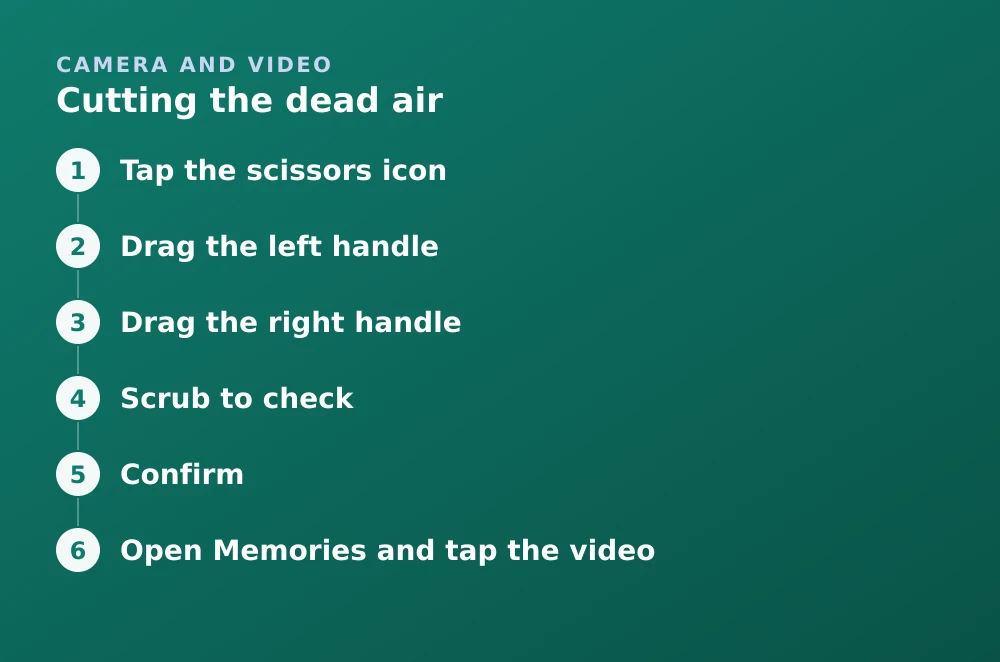
Cutting the dead air
- Tap the scissors iconA timeline strip appears at the bottom of the preview.
- Drag the left handleThis sets the new start point. Most recordings have a second of fumbling at the front.
- Drag the right handleSets the end. Cutting the moment where you reach for the button makes a noticeable difference.
- Scrub to checkDrag along the timeline to preview the trimmed version before committing.
- ConfirmThe trim is applied. You can reopen the tool to adjust it again before sending.
Cropping, and why there isn't really a crop tool
Snapchat does not offer a proper crop for video. The tool that exists is for photos and for Memories, and video has never had a genuine equivalent. There are two workarounds:
- Pinch to zoom before you record. Framing it correctly at capture time is far better than trying to fix it afterwards, because zooming in post costs resolution.
- Crop outside Snapchat and import. Edit in your phone's own video editor, then bring it in — see sending from your camera roll. The trade-off is that the file is encoded twice and the recipient sees the imported marker.
Text and captions
Text does more work on video than on a photo, because viewers cannot pause. A caption that would be readable on a still can vanish before it registers on a moving clip.
- Tap T once for a simple bar of text; tap it again to cycle through the styles.
- Pinch to resize and drag to reposition. Keep it clear of the bottom edge, where the reply bar sits.
- Tap a word twice to select it, then use the colour bar to highlight one phrase.
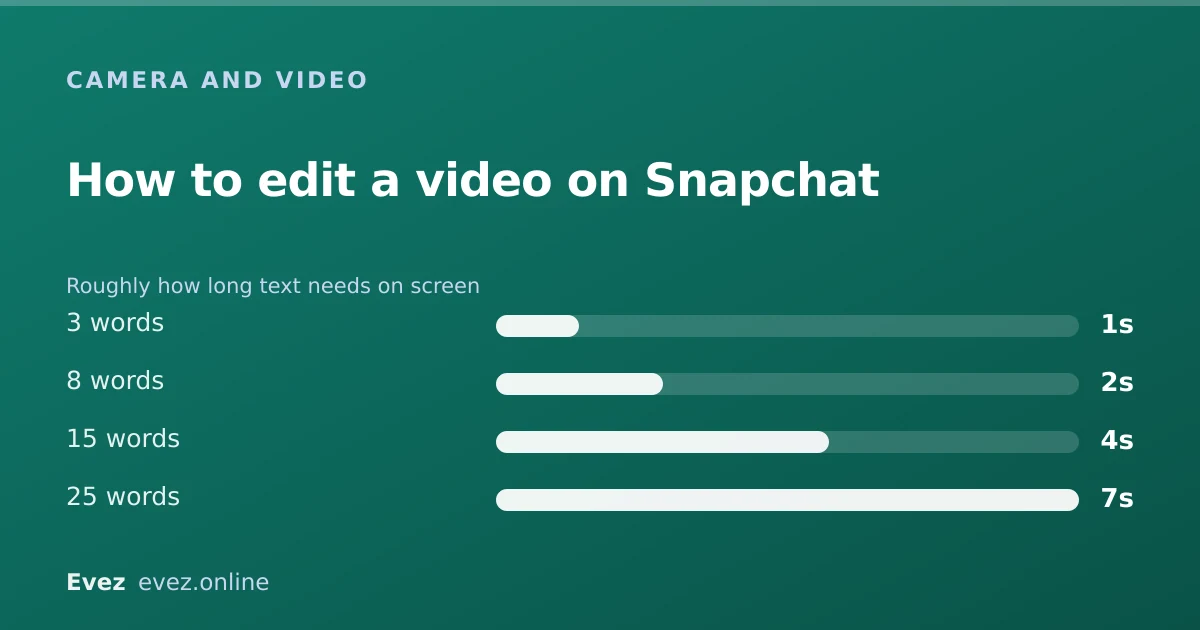
- Keep it short. Three or four words that can be read in a glance beat a sentence nobody finishes.
Sound
The speaker icon toggles the original audio. Muting is the right call more often than people think: wind noise, background conversation and handling noise all survive Snapchat's compression badly.
- Mute and caption is a reliable combination for anything recorded outdoors.
- Add music through the sounds tool, which layers a track over the clip.
- Record a voiceover if you need narration over imported footage.
- Check the permission if audio is missing entirely rather than quiet — that is a denied microphone permission, covered in recording video on Snapchat.
Editing a video already in Memories
The Memories route
- Open Memories and tap the videoSwipe up from the Camera to reach Memories.
- Tap EditYou get the same tools as the preview screen.
- Make your changesTrim, caption, mute, whatever is needed.
- Save as a copySnapchat keeps the original and stores the edited version alongside it. This is deliberate, and it is why Memories fills up faster than people expect.
What you cannot do
- Edit a snap after sending. Nothing can be changed once it has gone.
- Join two clips into one. Snapchat has no timeline editor; segments stay separate.
- Change the playback speed after recording. Speed is chosen at capture — see slow motion on Snapchat.
- Remove a filter you applied. Filters are baked in at the moment of capture, not stored as a removable layer.
- Export a higher-quality version. What you save is what Snapchat encoded.
Frequently asked questions
How do you edit a video on Snapchat?
On the preview screen after recording and before sending. Use the scissors icon to trim, the T tool for text, the speaker icon to mute, and the sticker and drawing tools to layer on top.
Can you trim a video on Snapchat?
Yes. Tap the scissors icon on the preview screen and drag the handles at either end of the timeline to set new start and end points. You can scrub along it to check before confirming.
Can you crop a video on Snapchat?
Not properly. Snapchat has no true video crop tool. Either frame the shot by pinching to zoom before recording, or crop in your phone's own editor and import the result.
Does editing a Memory replace the original?
No. Snapchat saves the edited version as a new copy and keeps the original, so both count toward your Memories storage. Delete the version you do not want.
Sources
Every source below was checked and returned a valid response at the time of the last review. Each note says which claim in this guide it supports.
- How do I edit a Snap in Memories? — Snapchat SupportSupports: That editing a Memory produces a new copy rather than modifying the original.
- How do I add a voiceover to a video Snap? — Snapchat SupportSupports: The voiceover option described in the sound section.
- How do I make my video Snap loop or bounce? — Snapchat SupportSupports: The loop and bounce controls listed among the preview screen tools.
Related guides
How to record a video on Snapchat
Recording a video snap end to end, plus the real numbers: the per-snap length cap, how longer recordings split, and what changes for Memories.
Camera and video · Updated
How to do slow motion on Snapchat
The speed modifiers, where they moved to in recent versions, and how to slow footage down before importing when the in-app option is missing.
Camera and video · Updated
How to save videos on Snapchat
Saving a video before you send it, saving from Memories, saving a video someone sent you, and where the line sits on saving other people's snaps.
Memories and storage · Updated