How to save videos on Snapchat
The short answer
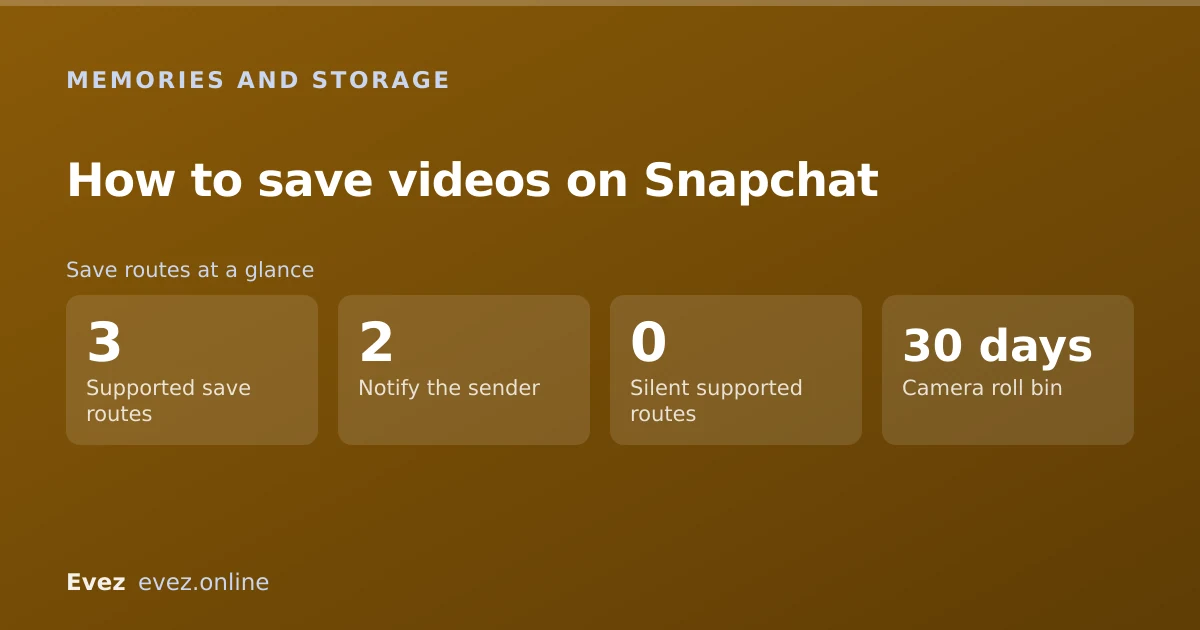
Tap the download arrow on the preview screen before sending, which saves to Memories, your camera roll, or both. Saving someone else's video in chat notifies them, and screen recording usually does too.
Key takeaways
- The download arrow on the preview screen is the main route, and where it saves to is a setting you control.
- Videos already in Memories can be exported to your camera roll individually or in bulk.
- Saving a snap someone sent you is visible to them. There is no silent option.
- Screen recording is detected on most current devices and notifies the sender.
On this page
Saving a video you recorded
This is the straightforward case, and the one most searches are really about: keeping something you made yourself. After you record and before you send, you are sitting on the preview screen with a row of icons along the bottom.
The preview-screen save
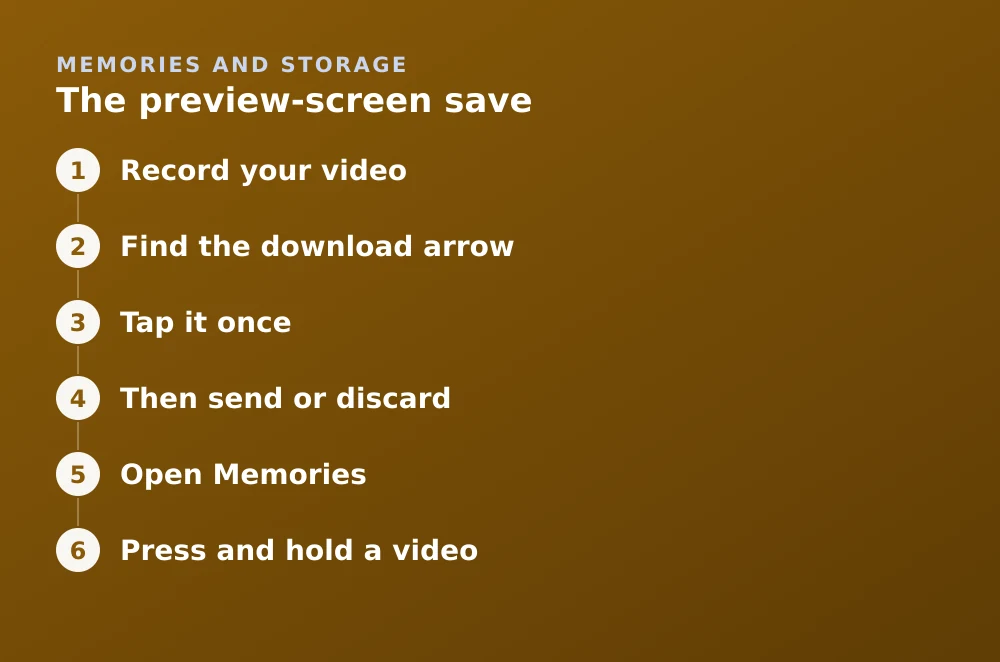
- Record your videoHold the capture button, or use the hands-free method in recording without holding the button.
- Find the download arrowBottom-left of the preview screen — a downward arrow into a tray.
- Tap it onceA brief confirmation appears. Where it went depends on your save setting, covered below.
- Then send or discardSaving and sending are independent. You can save a video and never send it, and it stays in Memories.
Choosing where it saves to
The download arrow does not always mean "save to my phone." It obeys a setting, and the default is Memories only, which is why people tap it, then cannot find the video in their camera roll.
| Setting | Where the video goes | Best for |
|---|---|---|
| Memories | Snapchat's cloud only | Saving phone space; default |
| Memories & Camera Roll | Both | Anything you want to keep or edit elsewhere |
| Camera Roll only | Your phone only | Not counted against Memories storage |
Change it in Settings → Memories → Save Button. The full walkthrough, including bulk export, is in saving snaps to your camera roll.
Saving a video already in Memories
Exporting from Memories
- Open MemoriesSwipe up from the Camera screen.
- Press and hold a videoThis enters selection mode. Tap additional items to select several at once.
- Tap the export iconThen choose Download to send it to your camera roll.
- Wait for larger batchesVideo exports are slower than photos. A large batch over mobile data can take a while and may fail — do it on Wi-Fi.
Saving a video someone sent you
Here the answer changes, and it changes for a reason: the entire premise of a snap is that the sender controls how long it exists. Snapchat therefore makes every route visible to them.
| Method | Works? | Sender notified? |
|---|---|---|
| Saving a chat message | Yes | Yes — visible to both sides |
| Screenshotting a snap | Yes | Yes |
| Screen recording | Usually | Yes on most current devices |
| Photographing the screen with another phone | Yes | No — nothing can detect this |
| Third-party save apps | No | Account gets locked |
The etiquette and the legal bit
Saving your own content is uncomplicated. Saving someone else's is a social question with an occasional legal edge, and it is worth being straightforward about it rather than pretending the notification settles the matter.
- The notification exists so the sender knows. Treat it as consent-adjacent, not as consent.
- Redistributing someone else's snap is a different act from saving it, and the one that causes real harm.
- Intimate images have specific legal protection in the UK, across the EU, and in most US states, and sharing them without consent is a criminal offence in many of those jurisdictions.
- If someone has saved and shared something of yours, Snapchat's reporting flow handles it — see the support routes.
For the technical side of what Snapchat retains after a snap disappears, see what is actually kept.
Frequently asked questions
How do I save a Snapchat video to my camera roll?
Tap the download arrow on the preview screen, and make sure your save setting is Memories & Camera Roll rather than Memories only. For videos already saved, select them in Memories and use the export button.
Can I save a video someone sent me on Snapchat without them knowing?
No supported method is silent. Saving in chat and screenshotting both notify the sender, and screen recording is detected on most current devices. Only photographing the screen with a second device is undetectable.
Why can't I find the video I saved on Snapchat?
Almost always because your save setting is Memories only, so it went to Memories rather than your camera roll. Check Memories first, then change the setting under Settings → Memories → Save Button.
Do apps that save Snapchat videos secretly work?
No. They require a modified Snapchat client, which Snapchat detects and responds to by locking the account. They also commonly harvest login credentials.
Sources
Every source below was checked and returned a valid response at the time of the last review. Each note says which claim in this guide it supports.
- How do I save a Snap to Memories and Camera Roll? — Snapchat SupportSupports: The download-arrow behaviour and the three save-destination settings.
- When I save a Snap in Chat, where is it stored? — Snapchat SupportSupports: That saving a snap in chat is mutually visible and where the saved copy lives.
- How do I save a Snap or Story to Memories? — Snapchat SupportSupports: The Memories save and export steps described in the second section.
Related guides

How to save snaps to your camera roll
Change the default save destination, bulk-export your whole Memories archive, and stop Snapchat filling your phone when you don't want it to.
Memories and storage · Updated

Is Snapchat deleting Memories?
Snapchat introduced a storage limit on Memories with paid tiers above it. What that means for existing archives, and how to export everything first.
Memories and storage · Updated

How to record on Snapchat without holding the button
The built-in hands-free lock, the video timer, and the iOS and Android accessibility fallbacks for when the lock will not appear.
Camera and video · Updated